Draw a room in minutes, show your client a real-time render on the spot, then push the exact same scene to a 4K path-traced render for your catalog. One tool. No render farm. No render queue.
Most interior visualization still runs on a broken relay: you plan in one tool, model in another, set up a renderer in a third, then hand the scene to a render farm and wait. By the time you have something to show, the client has moved on.
Witmodel collapses that relay into a single flow. The same room you draw is the room you present live, and the room you render at 4K. Here's what that looks like in practice.
Step 1 — Draw the room
Start with the plan. Lay out the walls, set real-world dimensions, and drop in your windows and doors. It's a top-down planner, so a typical room takes minutes, and everything is built to real scale from the first click.
[Image 1 — top-down plan view: walls drawn, window placed, room dimensions set, furniture roughed in.]
No measuring by hand, no scale guesswork. What you draw here carries its exact dimensions all the way through to the final render.
Step 2 — Present it in real time
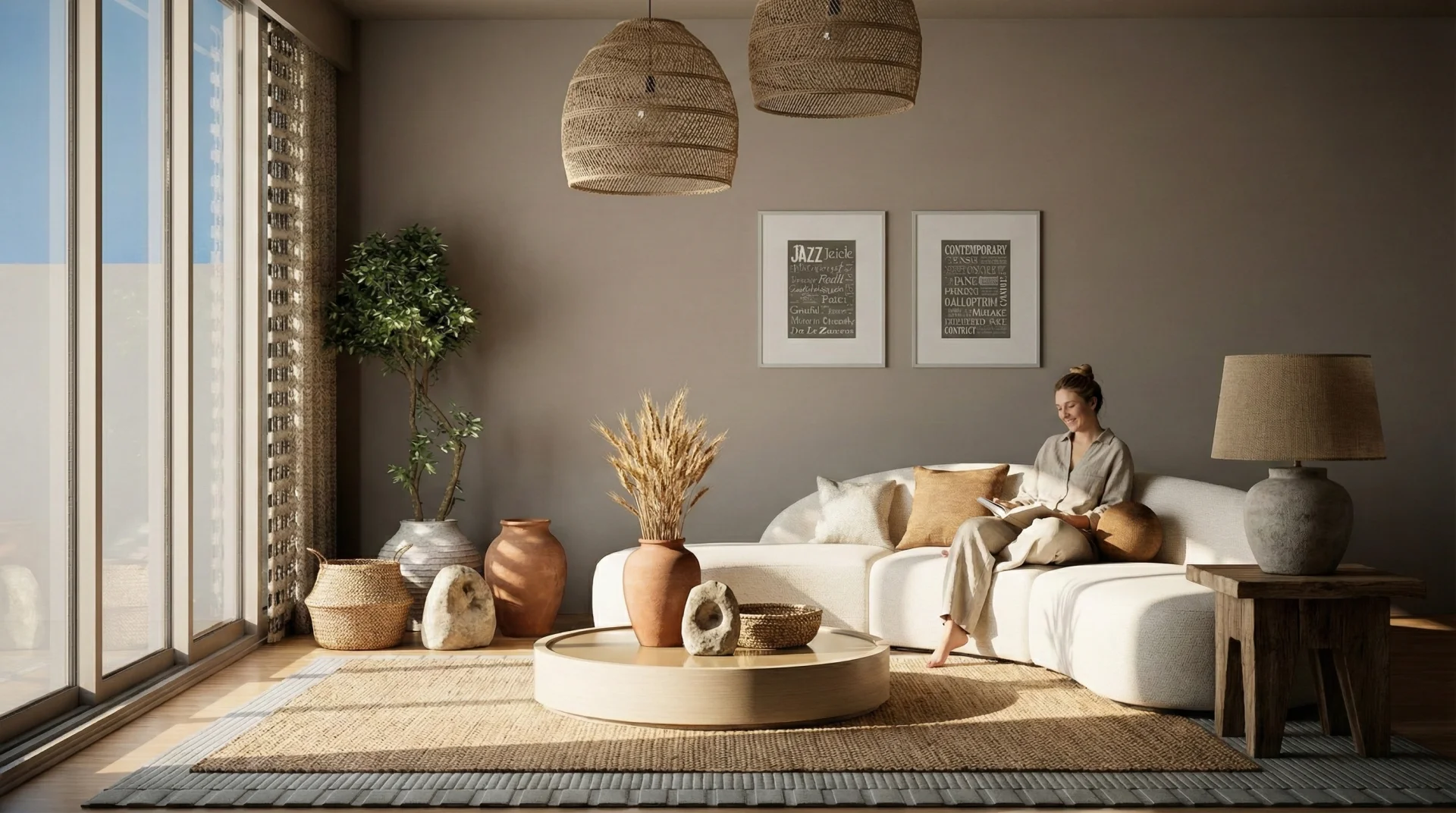
Switch to 3D and you're standing inside a fully lit interior — instantly. Move the sofa, swap a material, change the light, and the client sees the result as you do it. No "I'll send renders next week." The conversation happens live, with the room in front of you.
[Image 2 — real-time 3D view: lit interior, furniture, daylight through the window.]
The difference is what's driving that view. This isn't a flat preview — it's a real-time path-tracing engine: physically based light, true shadows, real reflections, rendered as you work. What you show live is what you deliver.
Step 3 — Push to a 4K path-traced render
When you need catalog-grade output, render the same scene at 4K with full path tracing. No rebuilding the scene, no exporting to a separate renderer, no queue, no farm. Same room, same materials — dialed up to final quality.
[Image 3 — 4K path-traced close-up: catalog-ready detail, soft shadows, realistic materials.]
And because the planner and the studio render setup share the same engine, your quick real-time view and your 4K hero shot look like the same room — because they are.
One tool, three jobs
That's the whole point: room planning, real-time rendering, and path-traced final renders live in one place.
The only room planner with a built-in real-time path-tracing render engine
The same render quality in the planner and in a studio product-render setup
No render farm. No render queue. Final quality without the wait
Real-scale geometry from plan to render
Who it's for
If you turn ideas into images for a living, this was built for you:
Interior designers presenting client-ready concepts on the spot
Architects running fast interior and atmosphere studies
3D artists at furniture brands producing visuals at volume
Furniture brands and e-commerce teams generating catalog and product imagery without a photoshoot
See it on your own room
Open Witmodel, draw your next room, and take it from plan to a 4K path-traced render in one sitting. The part you used to outsource to a renderer is now just the last click.
Try it free: witmodel.com design a room and render it in 4K, no credit card required.
Follow Witmodel:
- Instagram → instagram.com/witmodel
- LinkedIn → linkedin.com/company/witmodel
- YouTube → youtube.com/@witmodelAI
- Pinterest → pinterest.com/witmodels
We're just getting started and we'd genuinely like to hear what you're working on. What's the part of your visualization workflow you'd most want to make instant?